Free Fire on MEmu: Tips and tricks for using vehicles
When it comes to quick transportation, vehicles are the main way of traversing the map in Free Fire’s battle-royale modes. No matter what distance needs to be reached, they’ve got you covered, but did you know there were also some hidden secrets to vehicles? As for the answer to that question, we’ve summed up a ton of these below and will be guiding you with some cool tips and tricks for using vehicles in Free Fire.
What are vehicles in Free Fire?
As mentioned earlier, some vehicles are one of the ways of traversing quickly through the map, the others being the Electric Surfboards and Player Launchers scattered throughout the map. However, due to recent updates, the Electric surfboard has become less liable and Player Launchers can at times guarantee a quick launch to unpredicted elimination. It’s all sad news, but no need to fret all over, because we still have our trusty aground means of transportations.
List of vehicles
- TukTuk
- Truck
- Monster Truck
- Amphicar
- Sports Car
- Motorcycle
- Jeep
Tips for vehicles in Free Fire
Fall damage negaters
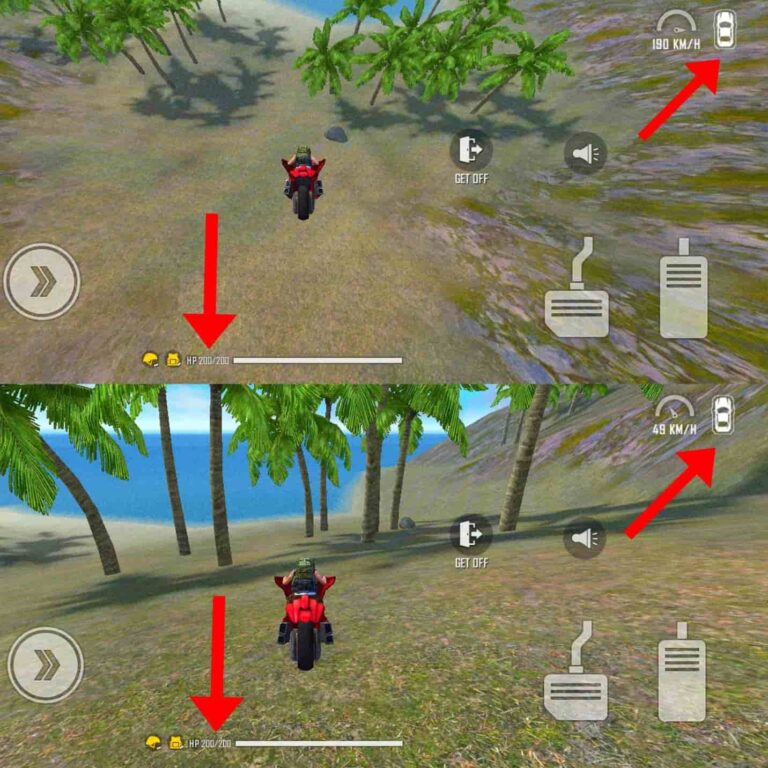
Fall Damage is minimal in Free Fire, defying laws of physics
Surprisingly, vehicles in Free Fire have some mysteries, as it seems some deny the laws of physics, even for a mobile game. To start things off, we head off to Mill and race a motorcycle off the ground and the results are surprising indeed. Normally, if a vehicle were to fall of such a height, it would certainly perish, but it seems every other vehicle is completely immune to fall damage. It can even completely negate the drive’s fall damage, so long as they remain inside at all times.
Unclimbable obstacles
While fall damage may not be the enemy of vehicle durability, gunfire and explosive damage do count towards the destruction of the vehicle. However, did you know when exploded they count as an immovable object, at least under normal circumstances? We’ll share some tricks below on how to make use of this later.
Heal while driving
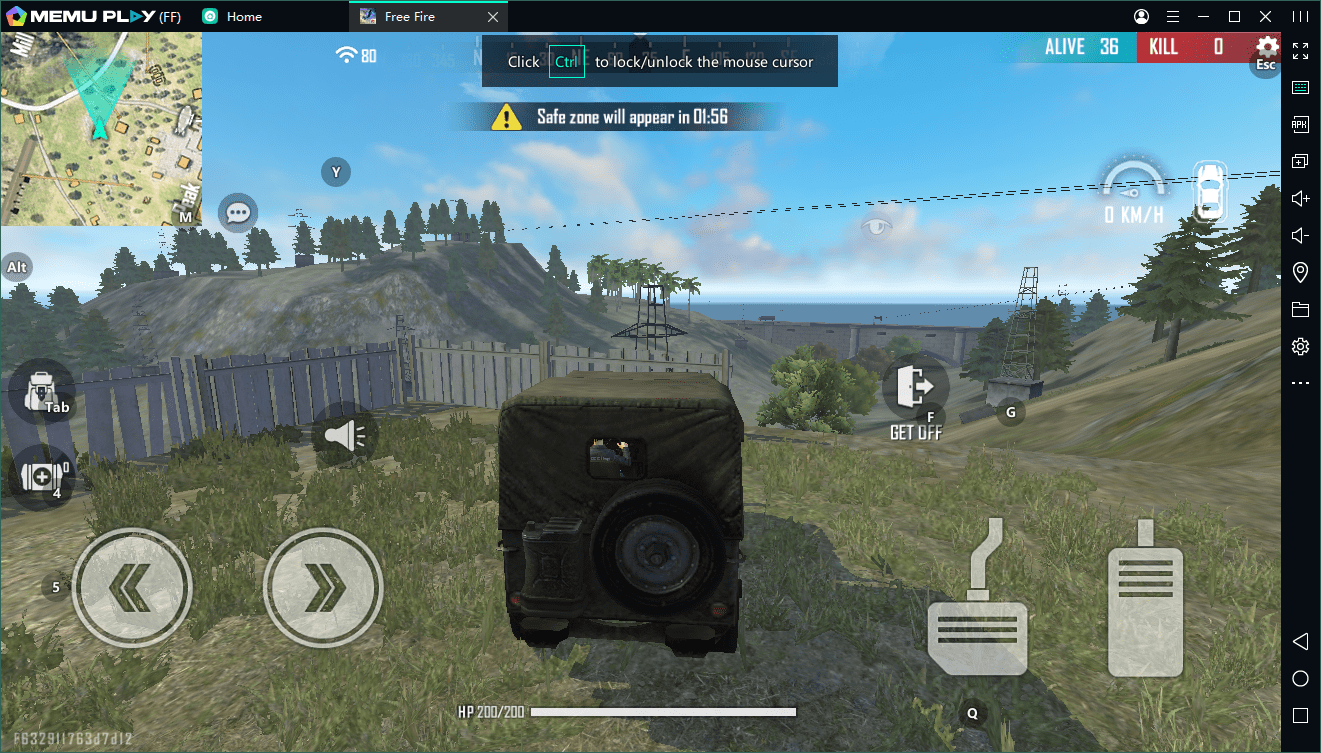
It is possible to heal while driving in Free Fire
Driving away from a fight is great, but did you know that even when you’re hurt you can heal up with any medical items? You can even use healing character skills while driving to heal up your entire team if needed.
Scan tracking
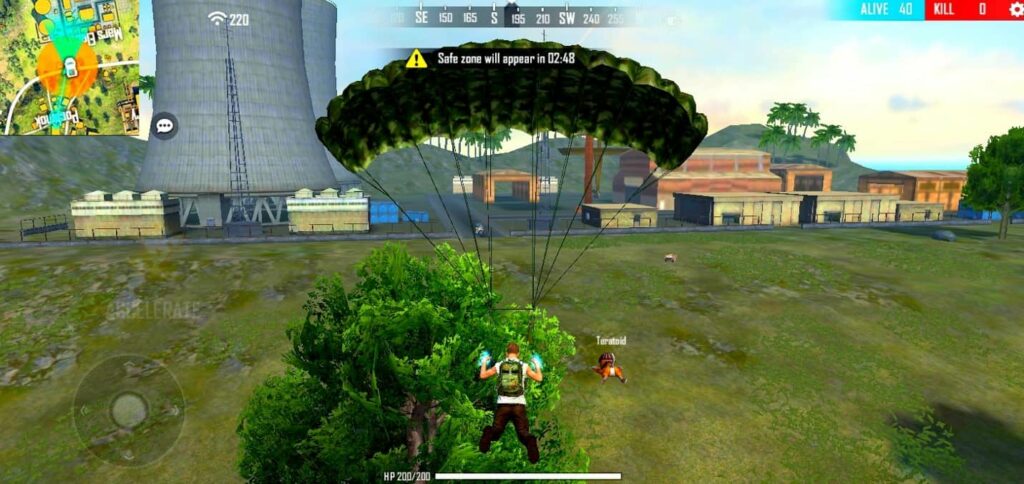
Vehicles can be marked, even while gliding or parachuting down in Free Fire
Vehicles can be marked with the scan selectable loadout equipment when gliding or parachuting down, though it won’t specify which vehicle is below you. So you’ll have to dive to see it yourself.
Instant vehicle destruction
You may or may not know of the RGS50 or Anti Materiel Launcher, the worst launcher in the game when it comes to using it in a one-on-one fight. But in the case of vehicles, this weapon is quite something else as it can home onto them, causing immense explosive damage on contact.
Misha and Notora
When it comes down to vehicles, the characters Misha and Notora aren’t to be looked over. Notora can restore HP of all party members in the vehicle and Misha increases its driving speed. Both skills are best exploited in teams, so be sure to have at least one party member equip them.
Additional Tricks for vehicles in Free Fire
Block off
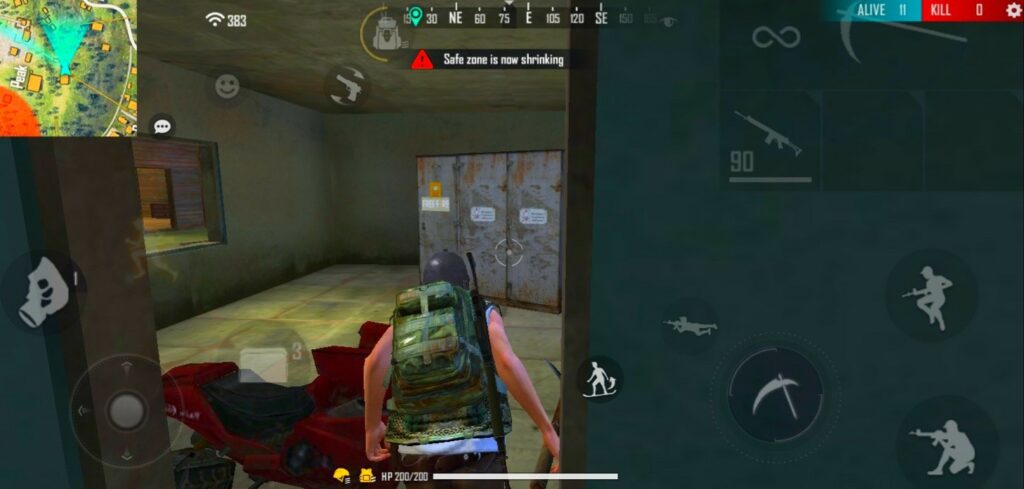
A destroyed vehicle can be used as a complete block off in Free Fire
A destroyed vehicle can be used as a complete block off at any house entrance that has a door. To pull this off, grab a bike, drive it to the inside of the house and destroy it with gunfire or your fists. Back off once it’s about to explode to avoid the incoming damage. For bigger vehicles, like the Jeep, you can block off windows and the front doors. Just watch it that not blocking off yourself in the process.
Fling
This an old glitch, but you can fling vehicles in the air with a Summon Airdrop. To do this, summon an airdrop and drive a Monster Truck until the hood is at the spot on which the airdrop will land on. Remain in the vehicle and prepare for a trip to the skies!
Ramming into Gloo walls
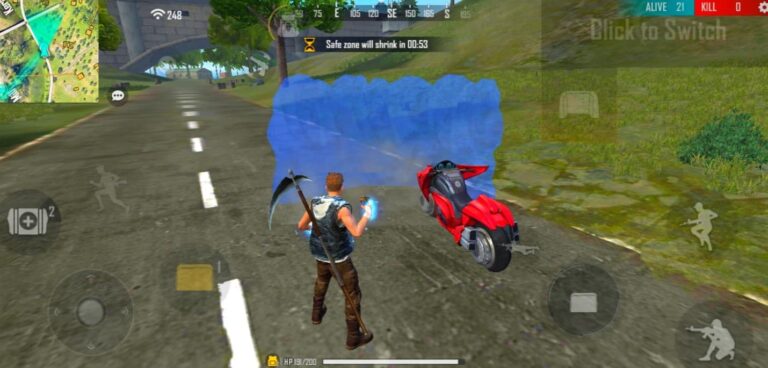
Destroy Gloo walls by ramming into them in Free Fire
No matter the speed at which you or another enemy drives, it can destroy one or more Gloo Walls effortlessly. If you didn’t know, you can’t deploy Gloo Walls on or in front of a vehicle. Attempting to place it in front will destroy the Gloo Wall, with you having wasted it in the process.
Stand atop to reach greater heights
Whether your solo or with partners, you can climb up to a vehicle to reach some high-up places. They can also be used as a platform to stand up and shoot from, so long as you have some quick cover available.
Submerged
You can’t just drive any vehicle inside water, especially not the deep waters. Driving in water that reaches up to the tires will cause the vehicle to be slowed down by a lot, making you very vulnerable to enemy attacks. If you want to cruise the ocean, consider finding an Amphicar which is able to drive in deep waters. Any other vehicle will just remain still in place it’s gone too deep in the water.
Grenade immunity
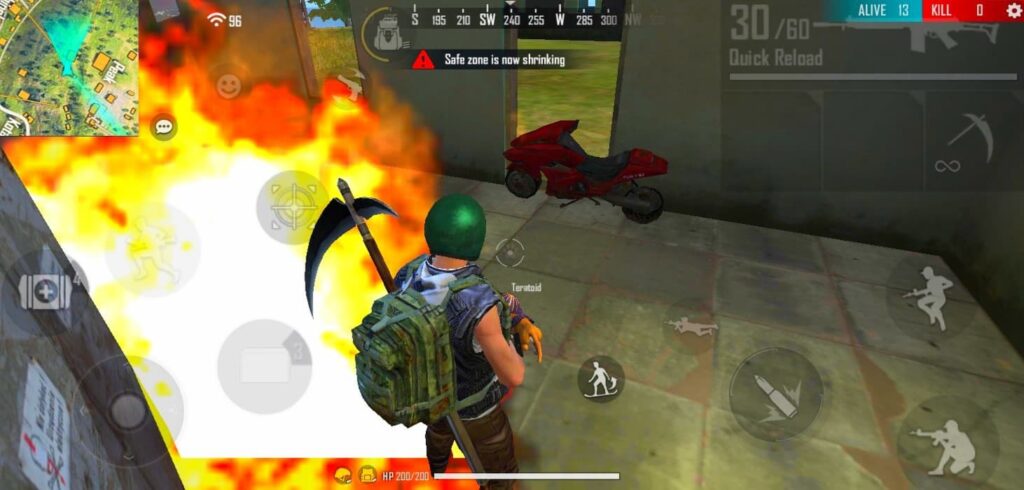
Vehicles are immune to grenades in Free Fire
Grenades can be thrown at a vehicle but will go through some of them instead, like the jeep. Once the grenade touches it though, you will not receive any explosive grenade damage.
【How to Play Free Fire on PC】
The instructions below will teach you how to easily play Royal Match with MEmu.
Step 1: Download MEmu Android Emulator on your PC

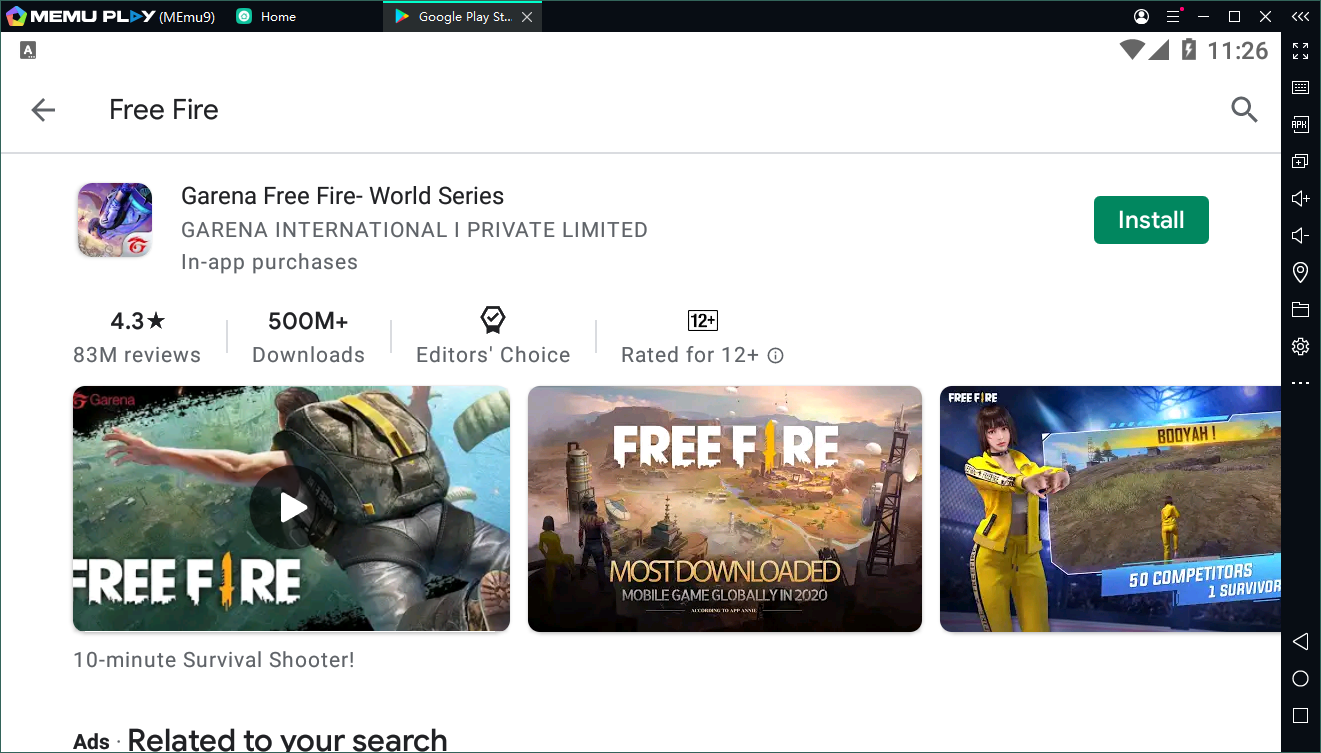
Step 2: Search and Install Free Fire from the Play Store
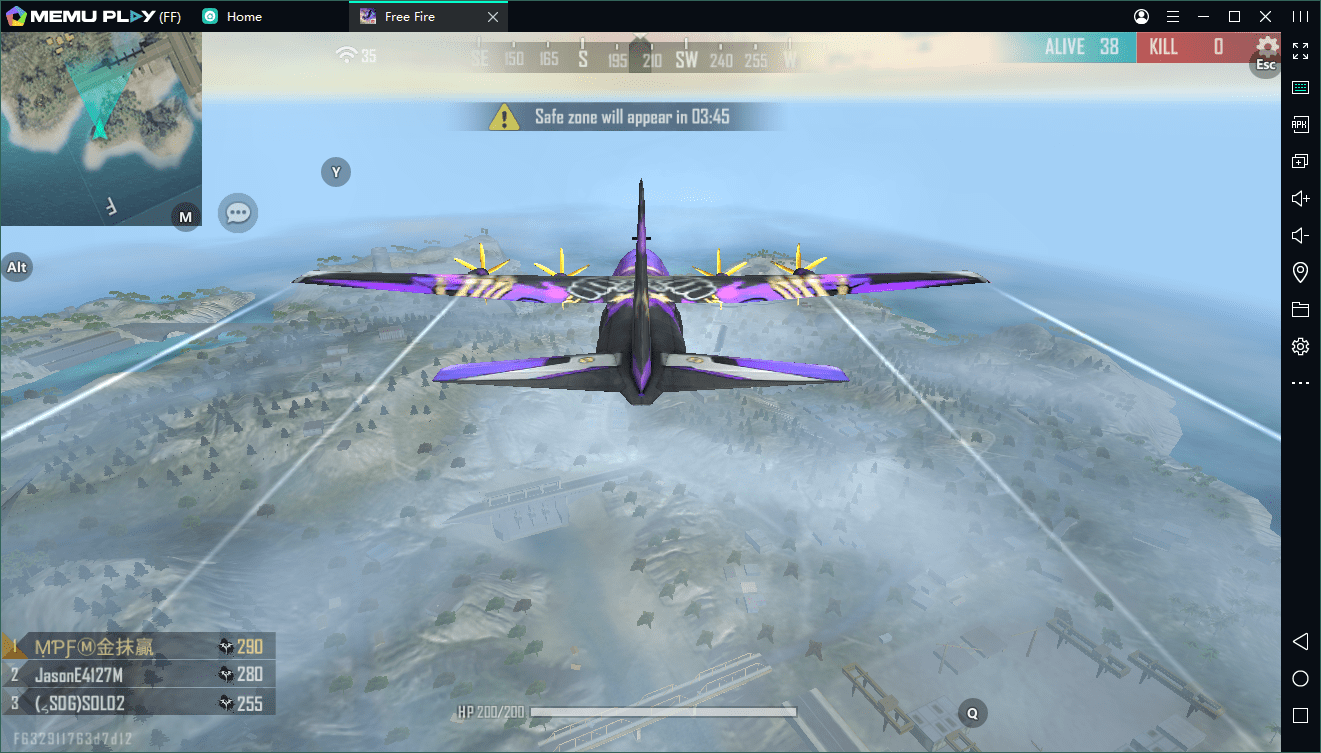
Step 3: Enjoy playing Free Fire on PC with MEmu
Discover More about MEmu Play
- Official Website
- MEmu Support
- Discord
- Youtube
- VK
The post Free Fire on MEmu: Tips and tricks for using vehicles appeared first on MEmu Blog.


Comments
Post a Comment